
JWM (Joe's Window Manager)
JWM is a light-weight window manager for the X11 Window System. JWM is written in C and uses only Xlib at a minimum. Because of its small footprint, JWM makes a good window manager for older computers and less powerful systems, such as the Raspberry Pi, though it is perfectly capable of running on modern systems. JWM is included in small Linux distributions such as Puppy Linux and Damn Small Linux, and it is available as a separate package in many other distributions.
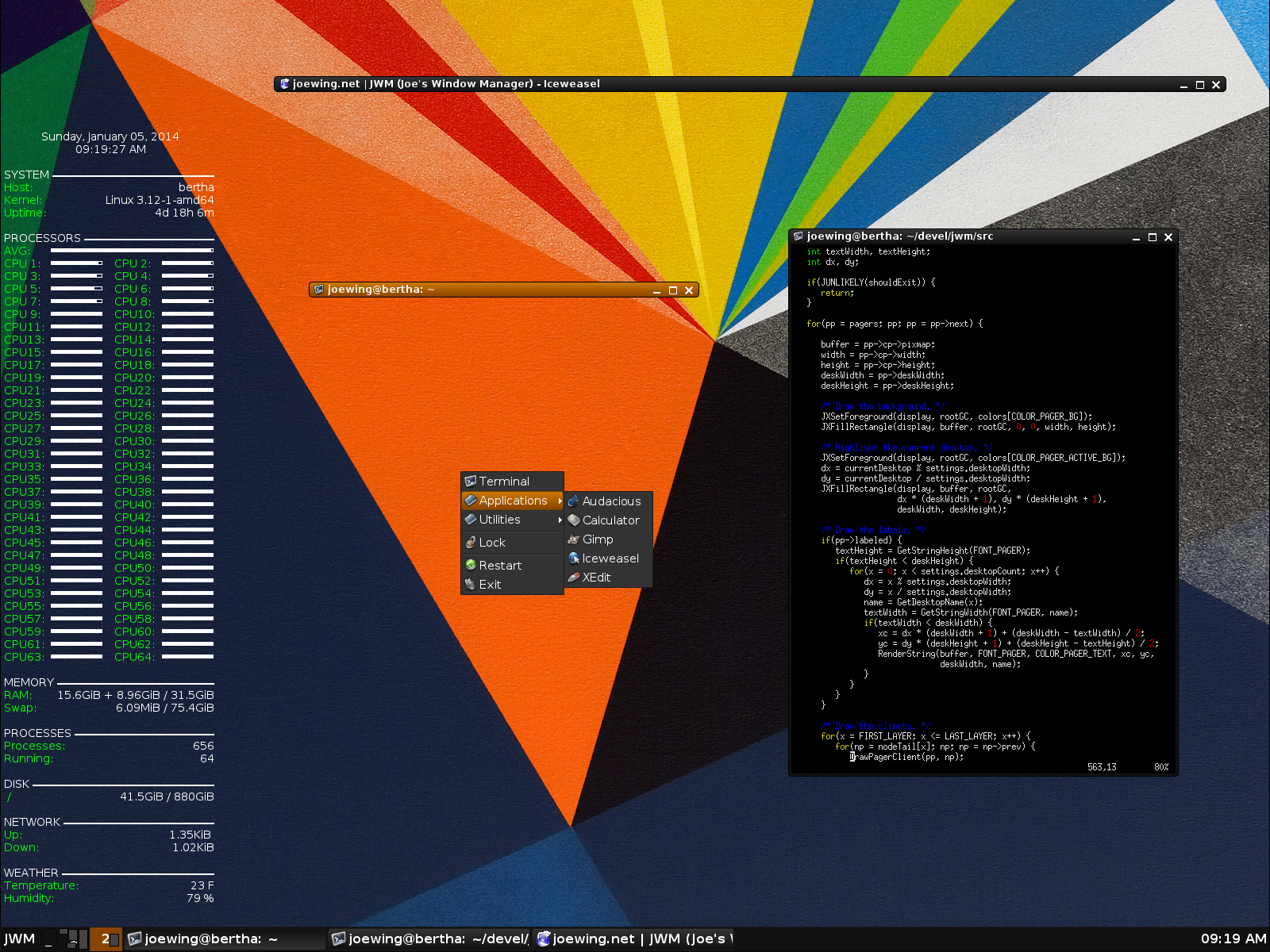
The obligatory screenshot: JWM v2.2.
Although JWM does not require them, it can use the following libraries if available:
- libXext for the shape extension
- libXext for the render extension
- libXmu for drawing rounded windows (shape extension also needed)
- libXinerama for Xinerama (multi-monitor) support
- libXpm for XPM backgrounds and icons
- libjpeg for JPEG backgrounds and icons
- libpng for PNG backgrounds and icons
- libRSVG and Cairo for SVG backgrounds and icons
- Pango and libxft for antialiased and true type fonts
JWM attempts to conform to the ICCCM and supports both MWM hints and Extended Window Manager Hints (EWMH).
As of version 2.3.6, JWM is licensed under the MIT license.
Download
Current release: JWM v2.4.6
(release notes)
See GitHub for recent updates.
Documentation
See the JWM setup guide for instructions on setting up JWM.
See the configuration documentation for comprehensive documentation on configuring JWM. JWM also comes with a manual page (run "man jwm" on the command line after installing JWM).
Developer Information
JWM is hosted on GitHub.
Please feel free to contribute bug reports, suggestions, and patches.
Support
Feel free to file bug reports on and request support
on GitHub or
email me directly at
joewing@joewing.net.
Note that JWM at SourceForge.net
is no longer active.